

ID: 100006525
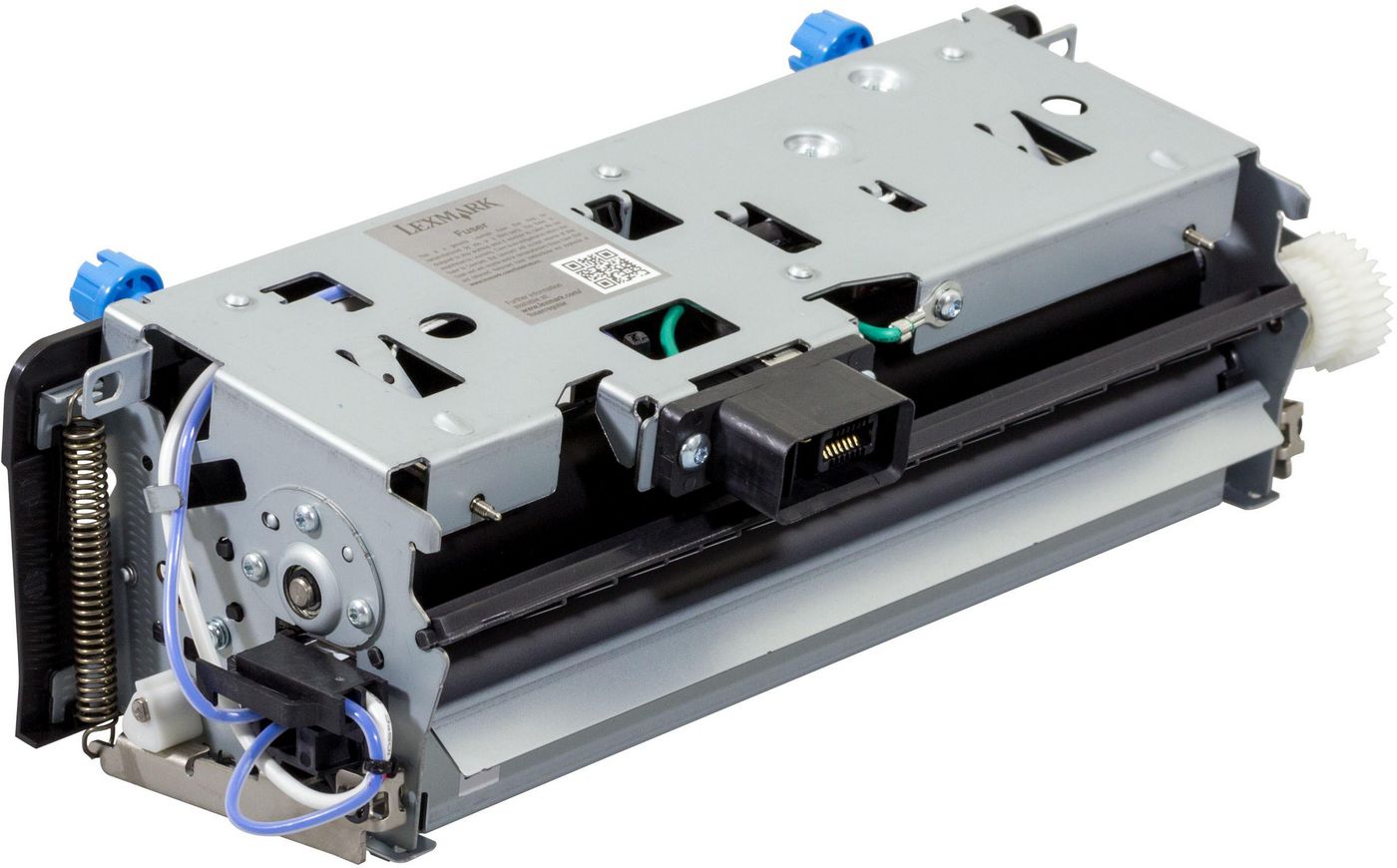
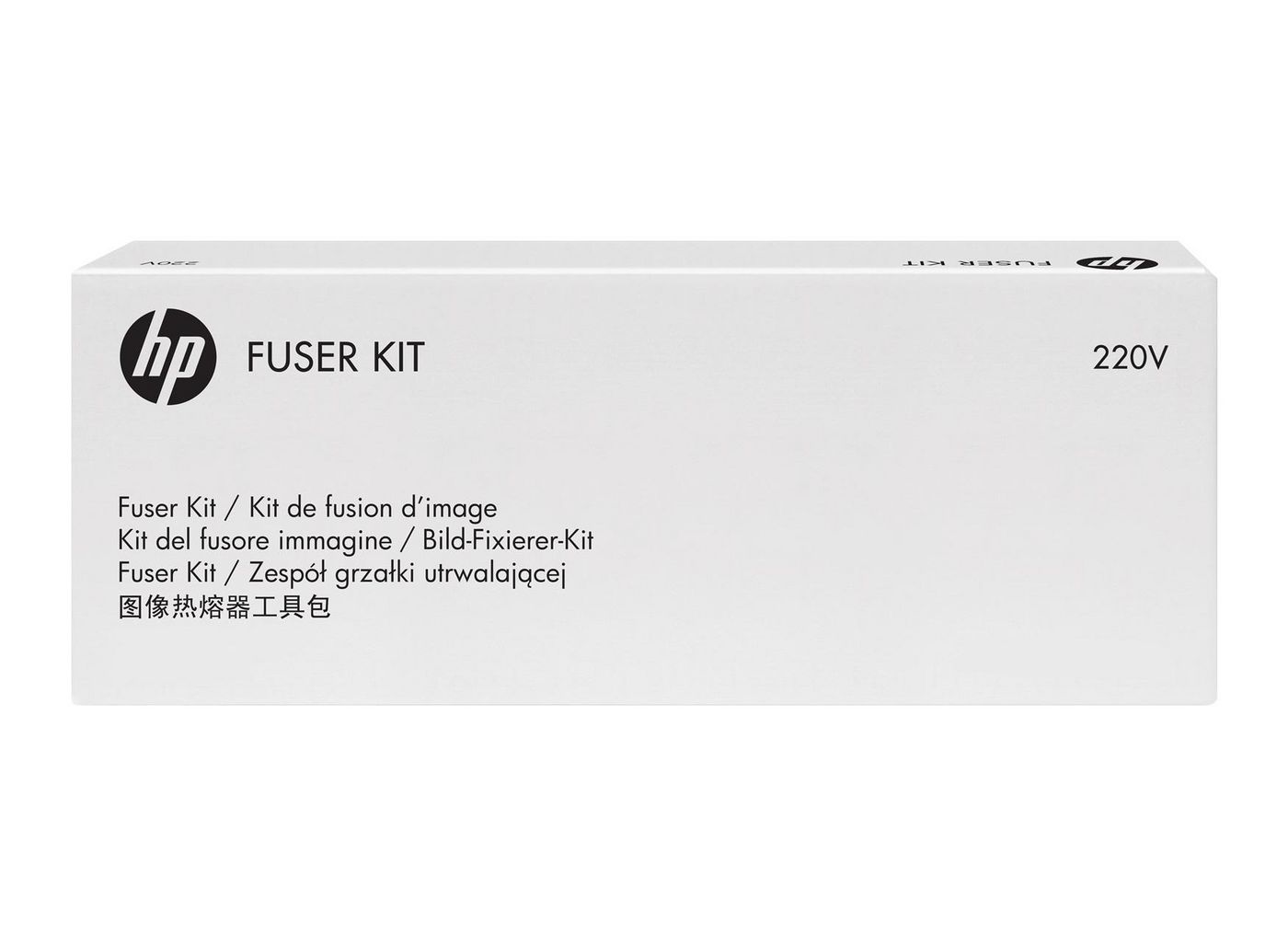
Fuser Unit 220V
OEM Number
EAN
5711045682988
In stock: 1-4
Delivery: 2–4 weeks
The operator panel displays the message 80 “Replace maintenance kit” at required maintenance intervals. You must replace the fuser at this interval to maintain the print quality and reliability of the printer.
Check the 2 digit type code on the fuser, or check Device Information using the embedded web server or the menus page for a replacement part number.
There are multiple warnings to indicate that the fuser is nearing end of life and that a maintenance kit is required, including error codes 80.0x, 80.1x, and 80.2x. If you receive error code 80.3x, the fuser has reached its rated life and the printer stops until a maintenance kit is installed. You must install the correct Fuser Maintenance Kit for the type of fuser that is installed in the printer.
Check the 2 digit type code on the fuser, or check Device Information using the embedded web server or the menus page for a replacement part number.
There are multiple warnings to indicate that the fuser is nearing end of life and that a maintenance kit is required, including error codes 80.0x, 80.1x, and 80.2x. If you receive error code 80.3x, the fuser has reached its rated life and the printer stops until a maintenance kit is installed. You must install the correct Fuser Maintenance Kit for the type of fuser that is installed in the printer.
Recommended products
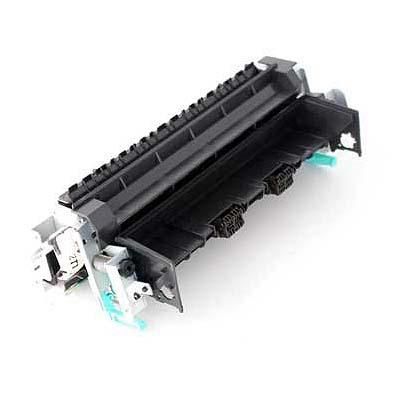
HP / MPN: 100019767
220V Fuser
Price on request
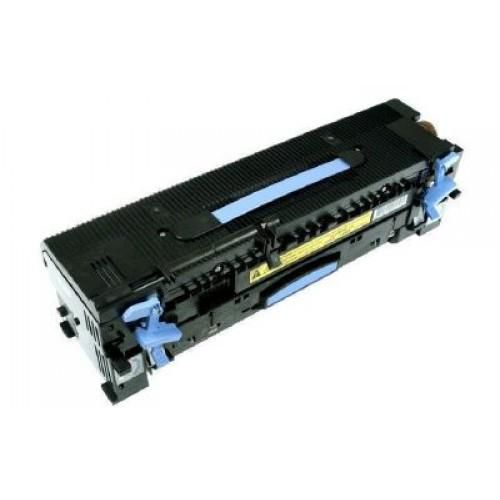
HP / MPN: RP000374840
220V Fuser Asm
Price on request
HP / MPN: 100019725
220V Fuser Unit
Price on request

HP / MPN: RP001236911
220V fuser unit for HP
Price on request
HP / MPN: RP001236806
Fuser, 220V
Price on request
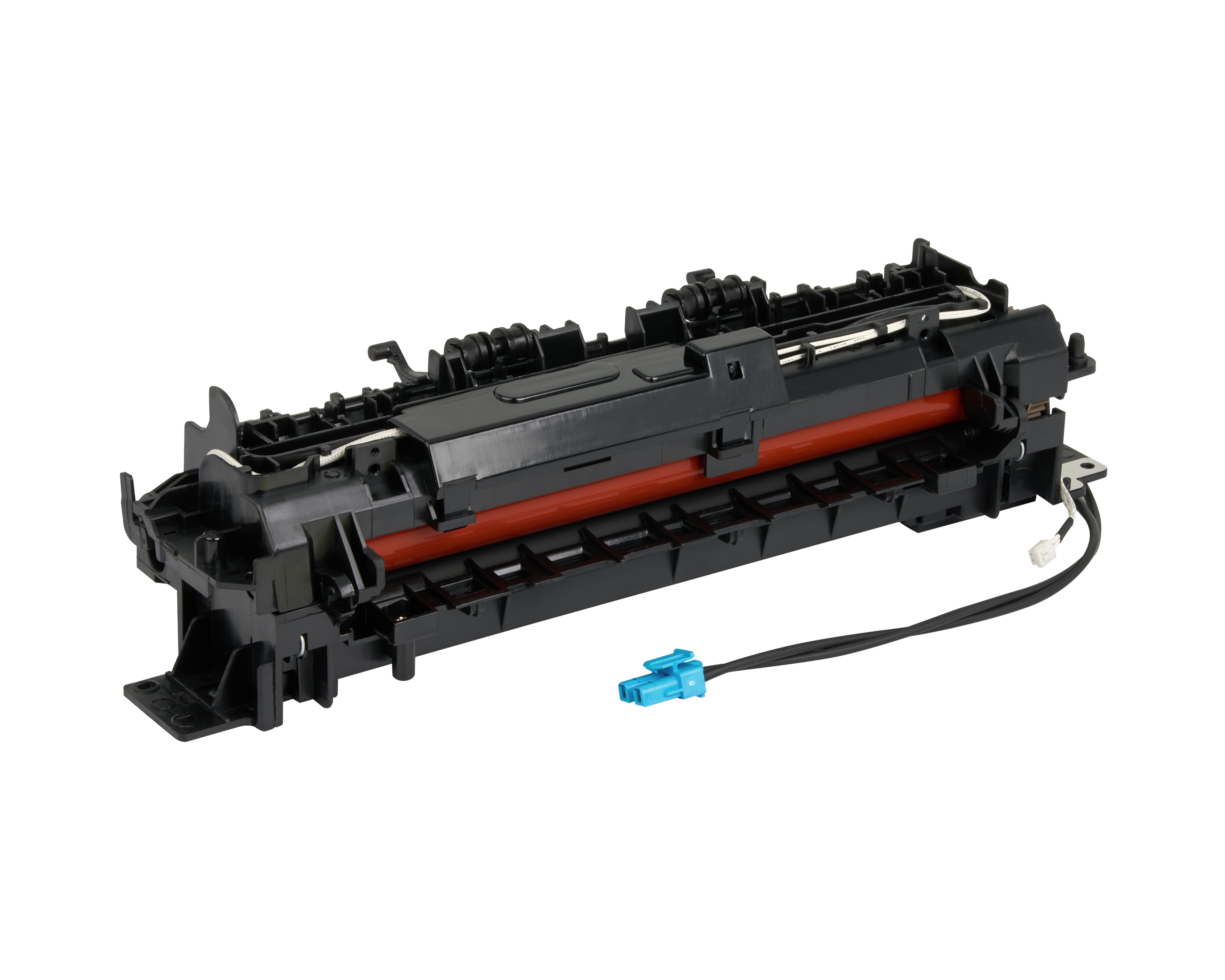
HP / MPN: JC91-01079A
FUSER;CLP-365W,WORLD,110V
Price on request